Finance · AI agent
Loan Reconciliation Agent
Solo project
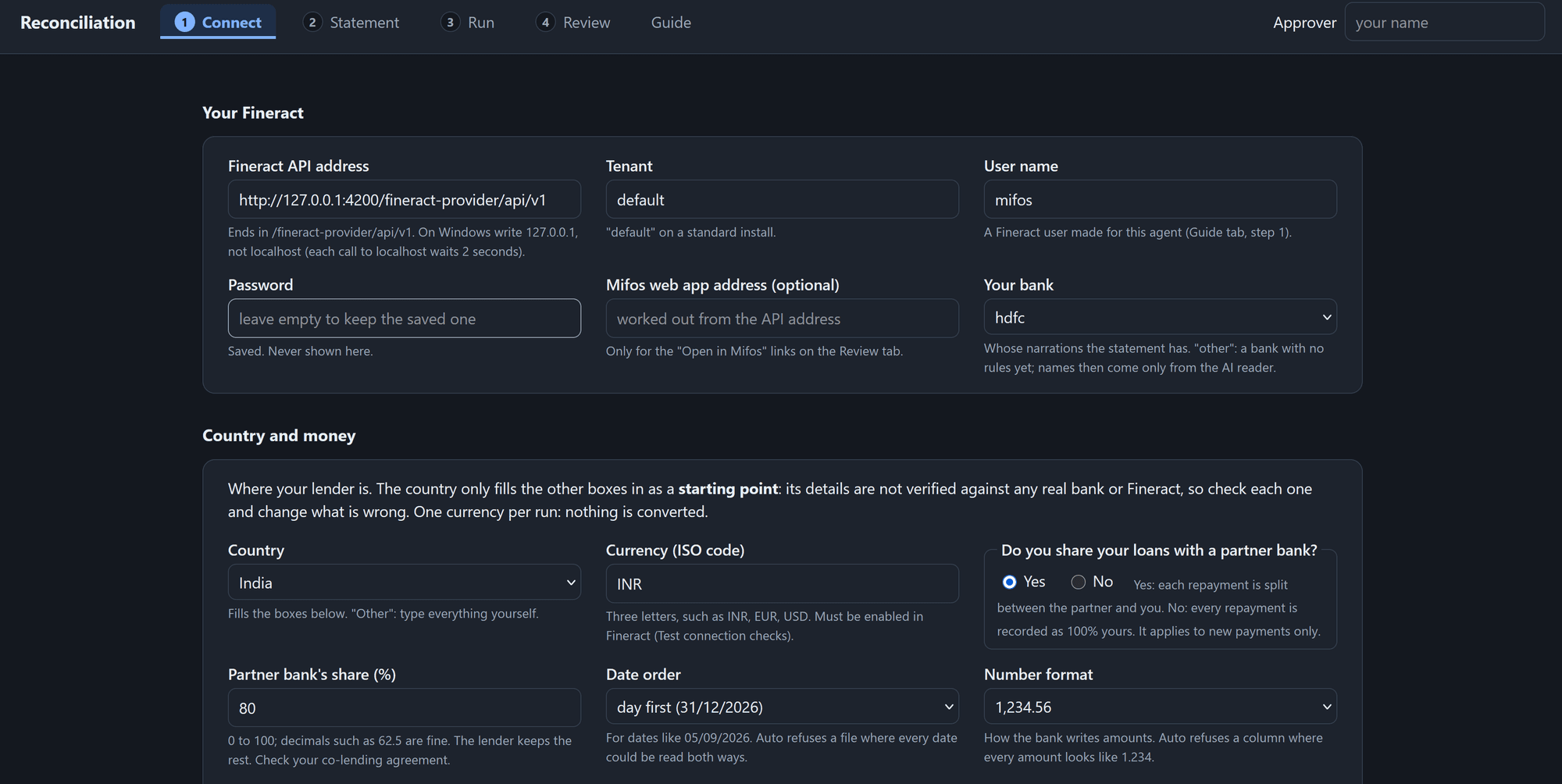
An agent that matches a lender's bank payments to loans in Apache Fineract, posts the clear ones, splits each with the partner bank and sends the unclear ones to a person.
Key figures
By the numbers
- 0 of 1,348wrong auto-postings (synthetic data)
- 273unclear lines sent to a person
- 438automated tests
The problem
A lender gets hundreds of payments a day into its bank account, and each one has to be matched to the right borrower's loan. Bank descriptions are messy, so staff do it by hand in Excel, and until a payment is matched the borrower looks overdue even though they paid. In co-lending, every repayment must also be split with the partner bank, which needs a report it can check.
Who it is for
Operations and finance teams at NBFCs and banks in co-lending partnerships, who match bank lines to loans by hand today.
Decisions and trade-offs
- Rules decide and the AI only reads. A wrong automatic posting costs more than a queued line, so no model chooses the loan.
- When unsure, queue it. Two borrowers with the same name and amount go to a person with both candidates, never a guess.
- The bank reference is the posting key in Fineract, so re-running after a crash cannot post a payment twice.
- One-click setup with no extra services, so an operations team can try it without an engineer.
The approach
Fixed rules decide every payment. A repeated bank reference is ignored, a loan account in the description names the loan, and otherwise the payer and the exact amount must fit exactly one instalment due within five days. Clear payments are posted to Apache Fineract through its API, with the bank reference as the key so a payment can never be posted twice, then split in a ledger. Anything unclear goes to a review queue with the candidate loans and a reason. An optional AI reader (Claude, OpenAI, Gemini or a local model) only reads unfamiliar statement layouts and never decides.
The result
On a sandbox of 200 synthetic borrowers and 260 loans (1,654 statement credits): 1,348 payments posted automatically with none wrong, 273 sent to a person, and the ledger and partner report equal to Fineract. All of it is synthetic data: no real bank export or live AI call has been through it yet.
How I would measure it
Wrong automatic postings (target under 0.5%), the share of clear lines posted without a person (target at least 80%) and zero duplicates.
Built with
- Python
- Apache Fineract
- MCP (openMF connector)
- Claude, OpenAI, Gemini
- PowerShell
Figures